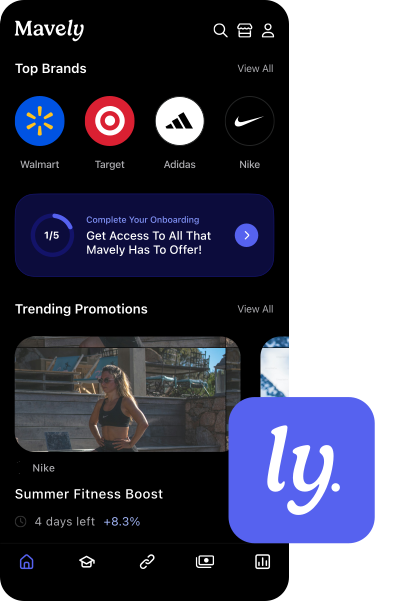
Manage and update your Mavely MyShop directly from the mobile app.
This walkthrough shows how the new MyShop mode works inside the app, including how to preview your storefront, organize pages with different layouts, and view the posts and product links connected to each page.
You’ll learn how to:
- Create new pages
- Add existing posts
- Build new posts with affiliate links
- Customize captions and images
- Publish everything directly to your live shop
- How to update your MyShop settings, like your profile photo, shop name, and bio
If you prefer managing your storefront on your phone, this demo will show you how to quickly create, organize, and publish shoppable content from the Mavely app.