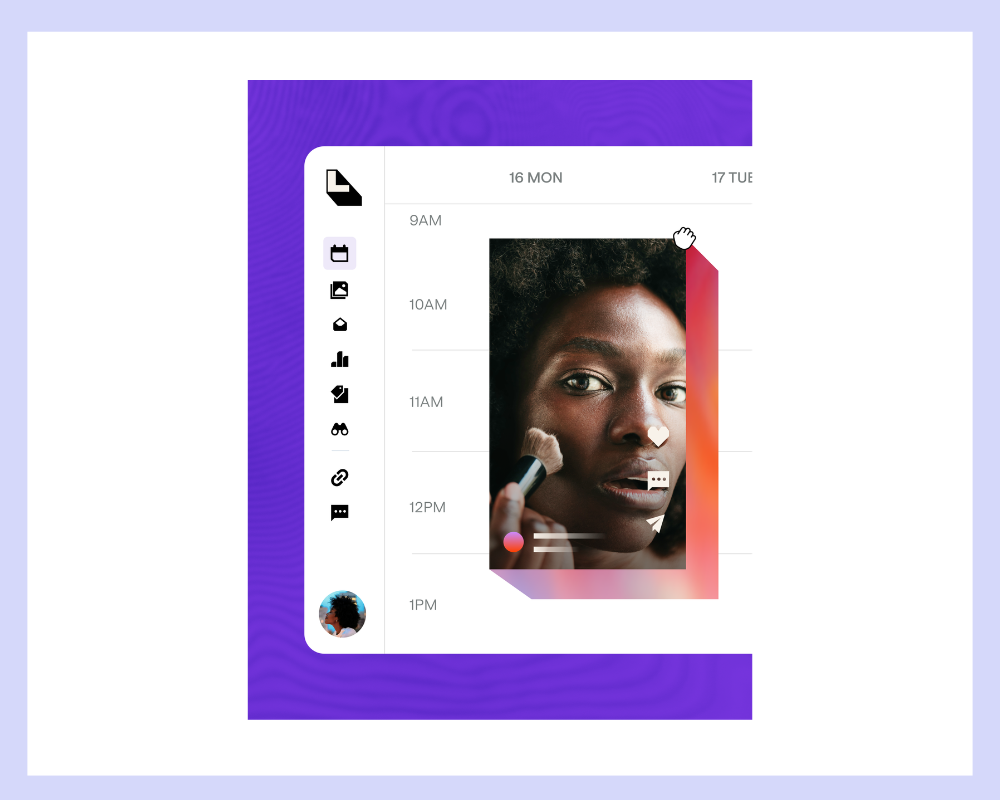
If you’ve ever wished there were an easier way to turn your everyday social posts into a steady stream of affiliate income, this webinar is for you. In this on-demand session, Shauna Hollinger, Creator Education Manager at Mavely, teams up with Sarah Kett, Lifecycle Marketing Manager at Later, to walk through how Mavely and Later Link in Bio work together to make your content shoppable across Instagram, TikTok, and beyond. Watch the free webinar here or keep reading for a preview of what you’ll learn.
What You’ll Learn
This session covers a lot of ground in a short amount of time, but it never loses sight of what matters most: helping you earn more from the content you’re already creating. Shauna and Sarah walk through how Mavely and Later Link in Bio complement each other, why the combination is especially useful for TikTok creators, and how to set everything up from scratch even if you’re brand new to affiliate marketing. You’ll also get a look at platform features that go well beyond basic linking, including scheduling tools, analytics, and feed planning.
Here’s a preview of what’s covered.
What Mavely Is and How You Earn
Mavely is an affiliate platform that lets you earn commission by sharing product recommendations with your audience. It’s free to join, there are no follower minimums, and you don’t have to apply to brands one by one. From the moment you sign up, you get access to over 2,500 brands and can start creating links the same day.
One of the things Shauna covers early in the webinar is what makes Mavely different from other affiliate platforms. You can see commissionable and non-commissionable sales in real time, track your traffic sources, and watch your conversions as they happen. That kind of visibility matters a lot when you’re trying to figure out what’s working and where to focus your energy.
The webinar also walks through Mavely’s five ways to earn:
- Affiliate commission from your shared links
- Monthly bonuses that kick in once you hit $125 in monthly commission and can scale up to $200,000
- The creator referral program, which pays you a percentage of your referrals’ commissions for their first several months on the platform
- Mavely Boost, which offers limited-time commission increases on select products that stack on top of your base rate
- Brand deals, which are paid flat-fee campaigns with brands you can apply to directly
For creators who are just getting started, Shauna also shares one of the most reassuring benchmarks you’ll hear: on average, it takes sharing about eight links before you see your first sale. Consistency and frequency matter more than perfection, and you don’t need a large audience to get going.
How to Create Your Mavely Links
There are three ways to create affiliate links in Mavely, and the webinar walks through each one so you can choose the method that fits your workflow.
The browser extension is available for Chrome, Safari, and Firefox. Once it’s installed, you navigate to any product from an approved Mavely retailer and click the extension to generate your link instantly. The link generator works in both the web app and the mobile app — copy a product URL, paste it into the generator, and your link is ready to share. The mobile app lets you browse brands directly and create links on the go, either by selecting a brand and creating a quick link to their homepage or by navigating to a specific product and generating a link from there.
One thing worth knowing: your Mavely links work on every platform where you’re already creating content. Instagram, TikTok, Pinterest, YouTube, Facebook, email lists, blogs — wherever you share, your links can go with you.
Watch the webinar now on demand to see every step in action.
How Later Link in Bio Makes Your Content Shoppable
Later Link in Bio gives your audience one clean, organized page that brings all of your links together in one place. Sarah Kett from Later walks through the setup process in real time, showing how quickly you can connect your Mavely and Later accounts and start building a page that matches your aesthetic.
Once your Instagram and TikTok accounts are connected inside Later, your posts can become a clickable, shoppable feed right on your Link in Bio page. When a follower taps any post you’ve attached an affiliate link to, it takes them directly to that product. The webinar features the Link in Bio page of Audrey Ross, one of Mavely’s top home decor creators, as a real-world example of what a fully built-out page looks like in practice — storefront buttons at the top, shoppable Instagram and TikTok feeds below, all linked and ready to drive sales.
Building out your own page follows a straightforward process:
- Connect your social accounts in Later and sign into your Mavely account through the Link in Bio integration
- Add buttons to your page for storefronts, product categories, or any links you want to highlight prominently
- Link your Instagram and TikTok posts to their corresponding Mavely affiliate links so your feed becomes shoppable
- Customize the look of your page to match your brand, and add blocks for things like multi-item banners, embedded video, or email capture
For TikTok creators in particular, Later Link in Bio solves a real problem. TikTok only allows one clickable link on a profile, which means that single link needs to do a lot of work. When it points to your Link in Bio page, it becomes a hub where followers can browse your shoppable feed and click through to any product you’ve linked, without you having to constantly update a single URL.
Platform Features That Help You Post Smarter
Beyond the shoppable link setup, the webinar also gives creators a look at some of the Later platform features that can support a more consistent, strategic content workflow.
Best Time to Post removes the guesswork about timing. Later looks at your specific audience’s engagement patterns and surfaces the times when your content is most likely to perform well across Instagram, Facebook, and TikTok. Instagram Visual Planner lets you drag and drop content onto your grid before anything goes live, so you can see how your feed will look, avoid posting similar content back to back, and plan campaigns ahead of time. For creators working across multiple content pillars or managing brand partnerships, that kind of visual planning can save a lot of reactive scrambling.
After your content is live, Link in Bio analytics and Later’s platform analytics show you which posts drove the most engagement, clicks, and reach. Link in Bio analytics are free to view for up to three months and include page views, button clicks, post clicks, and click-through rate. That data helps you spot patterns in what’s working so you can make more intentional decisions about what to create next.
Scheduling is also worth calling out specifically. Sarah Kett describes it as her favorite feature for creators, and the reasoning makes a lot of sense: scheduling your content ahead of time means your posts go live and your affiliate links stay active even when you’re away from your phone, at your day job, or spending time with family. Your content keeps earning while you live your life.
How to Access Later Link in Bio Through Mavely
If you’re already a Mavely creator, you already have access to Later Link in Bio. All you need to do is connect at least one social account inside Mavely, which you can do by going to your account settings, clicking on the My Socials tab, and adding a social account. Once that’s connected, you can access Later Link in Bio from the Integrations tab in your account settings by clicking “Add Mavely to Later.”
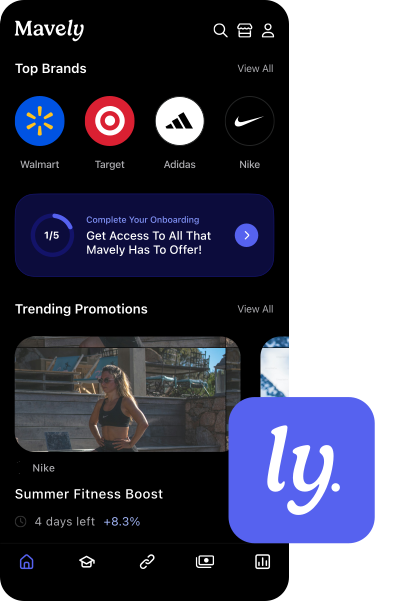
If you’re new to Mavely, you can download the app, create your free account, and connect your social account during the onboarding process. From there, Later Link in Bio is ready for you to start building.
Your Next Step
Whether you’re new to affiliate marketing or you’ve been creating shoppable content for a while and want to make your workflow more efficient, this webinar has something useful for you. Shauna and Sarah cover the setup process step by step, answer real questions from creators, and show you exactly what a polished, fully connected Link in Bio page looks like in practice. It’s the kind of practical, no-fluff walkthrough that’s a lot easier to follow when you can see it happening in real time.
Watch the free on-demand webinar now and start making your content work harder for you.
Want more creator tips like this?
Watch more Mavely University videos.
Not on Mavely yet? Sign up here and start earning today.