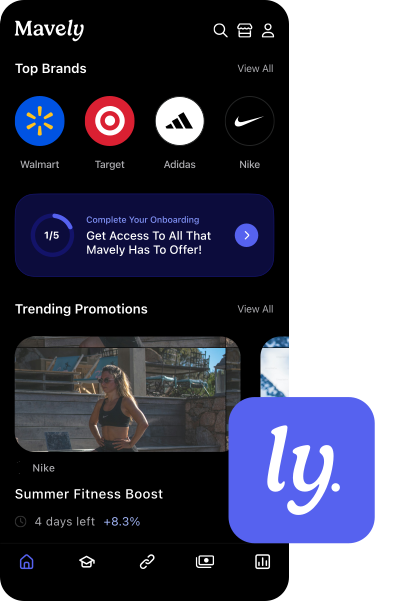
If you’re new to Mavely or want to better understand the platform, this walkthrough will help you navigate the dashboard and start making the most of the tools available to creators.
In this quick walkthrough we give a tour of the Mavely desktop platform and shows creators where to find the tools they need to start earning with affiliate links.
You’ll see how the dashboard works, including where to track your sales, clicks, commissions, and traffic sources, as well as how to discover new brands, create and organize affiliate links, and explore promotions available on the platform.
The tutorial also covers helpful creator tools like link folders, browser extensions, resources through Mavely University, and MyShop, which lets you build a personalized storefront to share your favorite products with your audience.